

Copilot Readiness Assessment
Before any deployment, we audit your Microsoft 365 environment to determine what is ready and what needs fixing. This covers license inventory and cost projection, data classification and sensitivity labels in SharePoint, Teams channel structure and permissions hygiene, existing Power Platform usage, security and compliance posture (DLP policies, conditional access), and a gap analysis with a remediation plan. Most organisations discover 3 to 5 blockers during this assessment that would have derailed a deployment if caught later.

Security and Compliance Review
Copilot surfaces information based on existing permissions, which means poor permissions hygiene leads to data exposure. We audit and remediate: overshared SharePoint sites and Teams channels, stale guest access, sensitivity label gaps, DLP policy coverage, and conditional access rules. The result is a Copilot deployment where users see only what they should see, and your compliance team is confident the rollout meets regulatory requirements.

Copilot Studio Agent Development
We build custom Copilot agents in Copilot Studio that go beyond the out of the box experience. These agents connect to your specific data sources (SharePoint libraries, internal databases, CRM records, HR systems) and execute multi step workflows: pull a customer's order history, generate a summary, and draft a follow up email, all within the Teams or Outlook interface. Each agent is scoped to a specific business process and tested against your team's actual daily tasks.

Microsoft 365 Deep Integration
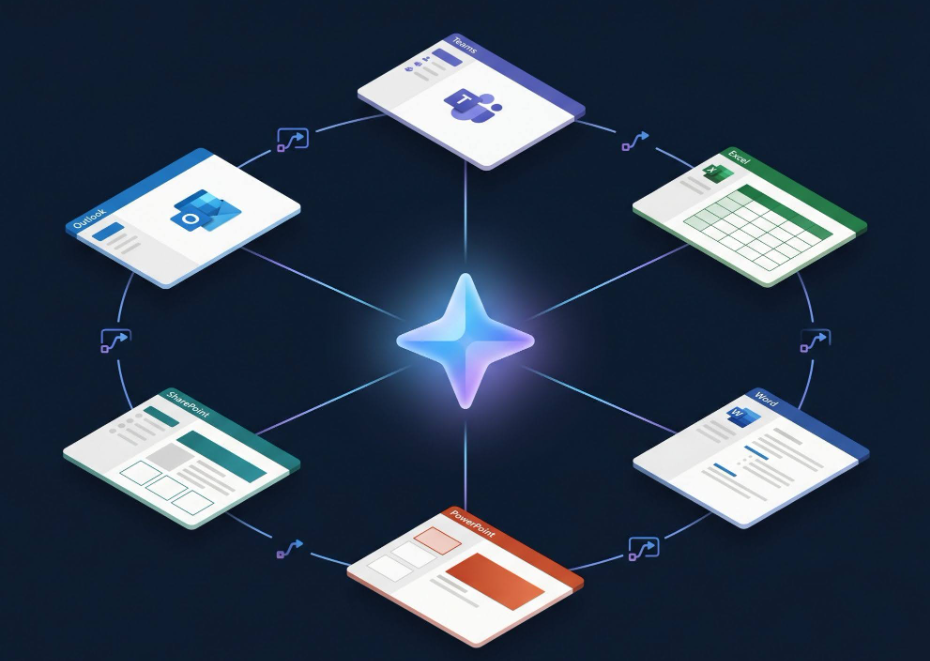
We configure Copilot for each Microsoft 365 application your teams use daily. In Outlook: email summarisation, reply drafting, meeting preparation. In Teams: meeting transcription, action item extraction, channel summarisation. In Excel: data analysis, formula generation, chart creation from natural language. In Word: document drafting, editing assistance, content rewriting. In PowerPoint: presentation generation from briefs and outlines. Each integration is customised with organisation specific context.

Power Platform Connector Setup
We configure Power Automate flows and Power Apps that extend Copilot's capabilities into your business processes. Common setups include: automated approval workflows triggered by Copilot, data entry bots that populate your CRM from email conversations, report generation from SharePoint data, and integration with third party systems (SAP, Salesforce, ServiceNow) via custom connectors. Every flow includes error handling, retry logic, and notification on failure.

User Adoption and Change Management
Technology without adoption is wasted spend. We design and run a structured adoption programme: role specific training workshops (sales, HR, finance, engineering), prompt library creation for each team's common tasks, Copilot champions programme to seed usage within departments, usage analytics dashboard to track adoption rates and ROI, and monthly optimisation reviews for the first quarter post launch. The goal is measurable daily usage, not a one time demo.

Discovery
Copilot readiness assessment and license planning (week 1)

Prototype
Security remediation and permissions cleanup (week 2 to 3)

Build
Copilot Studio agent development and Power Platform connectors (week 4 to 5)

Launch
M365 integration configuration and testing (week 6)

Support
User training, champions programme launch, and go live (week 7 to 8)